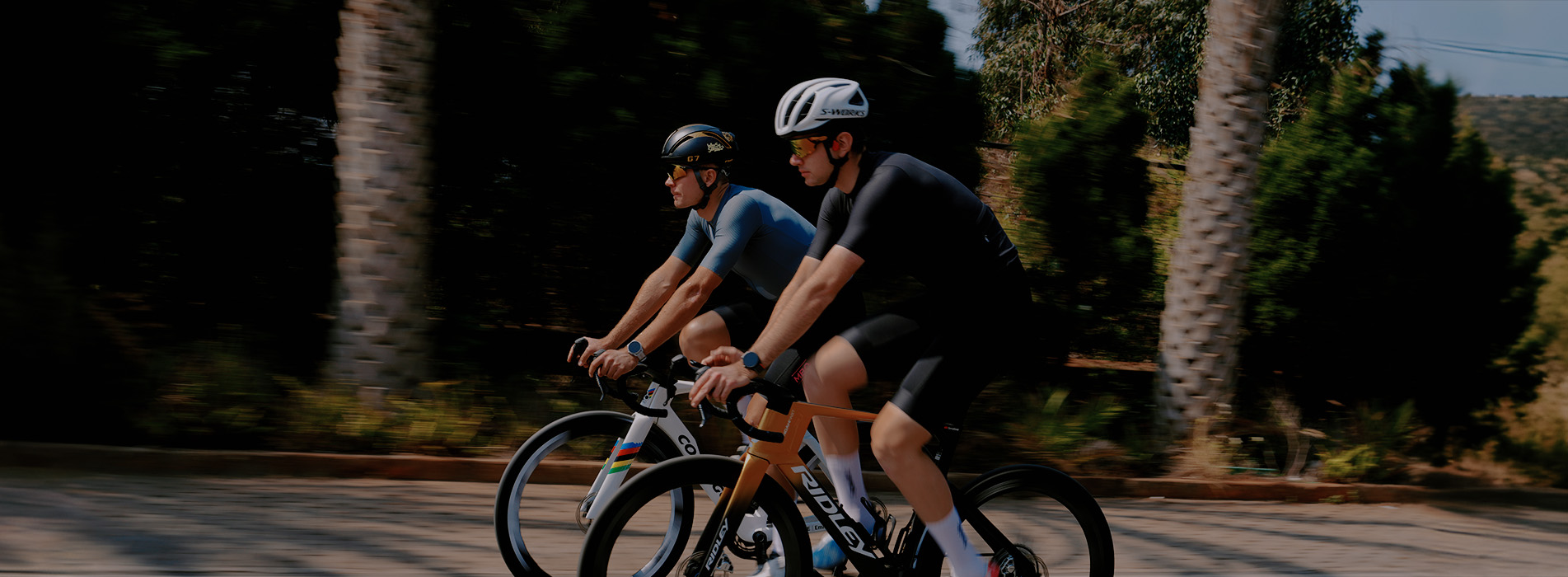

Train Smarter with iGPSPORT and TrainingPeaks
Precision data meets intelligent training. With iGPSPORT GPS bike computers and sports watches seamlessly integrated with TrainingPeaks, every ride is captured, analyzed, and transformed into actionable insight — helping you train with purpose and ride with confidence.

AutoSync Your Workouts
Connect iGPSPORT with TrainingPeaks to automatically sync completed rides, including power, heart rate, cadence, speed, etc. You can also send structured workouts from TrainingPeaks to your iGPSPORT device and follow each interval, target and recovery in real time.

Leave Your Mark
Founded in 2012, iGPSPORT is a global sports technology brand dedicated to helping athletes enjoy sports better through innovation. We specialize in smart sports hardware including GPS bike computers, sports watches, intelligent bike lights, and cycling accessories — all engineered to deliver professional-grade performance at exceptional value.

Compatible iGPSPORT Devices
BiNavi Series — The Pioneer of Cycling Navigation Computers
Bike + Navigator — iGPSPORT created the BiNavi line to redefine what a bike computer can do. Built around a self-developed high-precision navigation engine, BiNavi devices don’t just record your ride — they guide you through it. From unfamiliar route exploration to multi-day endurance events, BiNavi turns every road into a course you can master with confidence.

Get Started
STEP 1: Download the iGPSPORT App
Download the iGPSPORT App (iGPSPORT for iOS or iGPSPORT Ride for Android) and pair your iGPSPORT device via Bluetooth.
STEP 2: Authorize TrainingPeaks
In the iGPSPORT App, go to My → Connected Apps →TrainingPeaks.
Log in with your TrainingPeaks credentials and authorize data sync.

Ride & Sync
Complete your ride to automatically upload activity data (Duration, Distance, Calories, Power, Heart rate, Cadence, Speed, etc.) to TrainingPeaks.
Planned workouts from your TrainingPeaks calendar for the next 7 days will sync to your device for real-time guidance. To view them in the iGPSPORT App, go to My → Workouts → TrainingPeaks.